The Quiet Return of Simple Software
After years of crowded interfaces and sprawling platforms, people are looking again for software that does a small job clearly, stays fast and respects the user's attention.

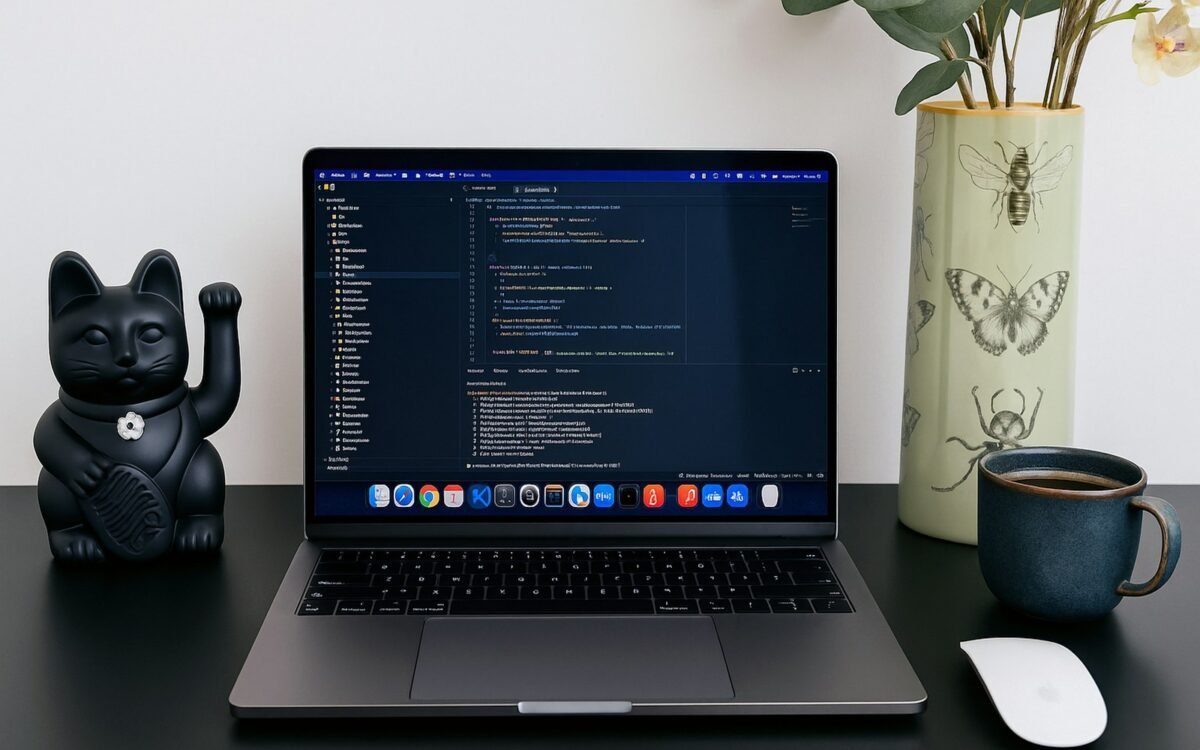
A person opens a notes app to record one sentence and finds a home screen full of templates, feeds, invitations and prompts to connect with other services. None of those features is necessarily bad. The problem is that the original task has been pushed behind a product strategy designed to keep adding reasons to stay. In response, many users are returning to tools that do less and make the intended action obvious.
This is not a rejection of powerful software. It is a rejection of unnecessary complexity. A spreadsheet can support a serious operation, and a project platform can coordinate a large team. But a tool becomes harder to trust when its basic behaviour is hidden beneath settings, notifications, integrations and changing interface conventions. Simple software is returning because clarity has become a competitive feature.
The movement is visible in more than minimalist design. It includes local-first tools, focused utilities, plain text formats, calmer notification systems and products that let people leave with their data. These choices respond to a practical need: software should help a person finish something, not continually negotiate for attention.
Complexity creates a tax
Every additional feature introduces more than another button. It creates new states, permissions, support questions, training requirements and opportunities for inconsistent data. A team may adopt a tool for one useful workflow and later discover that each small change requires an administrator, a new subscription or a new explanation of where information now lives.
Complexity also hides failure. When a simple application stops saving, the cause may be visible. When a large platform behaves unexpectedly, the issue might involve a permission inheritance rule, an integration, a background automation or a plan limit. Experts can investigate those systems, but ordinary users often respond by creating workarounds. The workaround becomes part of the process and makes the next failure harder to understand.
There is a cognitive cost as well. Frequent prompts, badges and context switches make it harder to sustain attention. A product can be technically efficient while making the person using it feel permanently behind. Calm software treats attention as a resource rather than an inventory to be harvested.
Simple does not mean shallow
A focused interface can sit on top of sophisticated engineering. A writing tool may use robust synchronisation without exposing every conflict-resolution option. A backup service may encrypt and verify data while presenting one clear restore action. The complexity still exists, but it is placed where it can be managed by the system instead of being charged to every user.
Good simple software has strong defaults and meaningful escape hatches. A new user can complete the main task without reading a manual, while an advanced user can inspect, export or adjust the behaviour when needed. The interface should not confuse a small number of choices with a lack of capability. It should make the common path easy and the uncommon path possible.
Simple products also tend to make their boundaries clearer. A timer is not pretending to be a project management suite. A file viewer is not quietly becoming a social network. When a tool says what it is for, users can combine it with other tools intentionally rather than accepting an accidental bundle.
Local-first and portable choices matter
Software that works locally can remain useful during an outage and can reduce the number of places where personal material is transmitted. Local-first does not mean refusing all online features. It means that the user can continue working with a meaningful copy of the data and synchronise when a connection is available.
Portable formats serve a similar purpose. A plain document, standard image or well-described data export can move between applications. Portability does not eliminate lock-in, but it gives a person or team a practical option when a product changes price, closes or no longer fits the work. A promise to export is less useful than an export that can be opened without the original service.
These choices require discipline. Local data needs backup, encryption and a clear recovery path. A simple interface cannot compensate for a lost device. The point is to move complexity into explicit, manageable responsibilities rather than pretend that it does not exist. A product can be quiet for the user while remaining rigorous behind the scenes in practice.
How to choose less complicated tools
Start with the job. Write down the action the software must support, the information it must keep and the people who need access. Treat every extra feature as a question: does it reduce a real problem, or does it create another surface to maintain? A short trial with real work is more revealing than a polished feature list.
Look at the exit as carefully as the entry. Can the team retrieve its data in a usable format? Are permissions understandable? What happens when the service is unavailable? Is there a stable price for the required function, or will the workflow depend on an expanding collection of add-ons? These are not anti-growth questions. They are ways to protect the continuity of work.
Simple software is not software with fewer ambitions; it is software that keeps its ambitions legible to the person using it.
The quiet return of simple software will not make complex platforms disappear. It will give users a stronger standard for deciding when complexity is earned. The best tool may still be powerful, but its power should arrive as help, not homework.
Key takeaways
- Treat interface, notification and maintenance complexity as real operating costs.
- Look for strong defaults, inspectable behaviour and portable data rather than feature volume.
- Choose tools around a defined job and test the exit before depending on them.