What Passkeys Actually Change About Everyday Security
Passkeys replace many password moments with cryptographic sign-in tied to an approved device or password manager, reducing phishing exposure while leaving recovery and account choice important.

A familiar account problem starts with a harmless intention: a person wants to sign in on a new phone, remembers a password imperfectly and asks for a reset link. If that password has been reused, the same moment may expose several accounts. If a convincing message sends the person to a false login page, even a strong password can be handed to an attacker. Passkeys change the basic sign-in exchange so that the secret needed to prove control does not have to be typed into a website.
A passkey is built on public-key cryptography. A service stores a public key, while the matching private key remains protected by a device, operating-system credential or password manager. During sign-in, the service sends a challenge and the approved authenticator uses the private key to create a response. The private key is not sent to the service, and a fake site should not be able to use the credential for the real site.
The result is not magic security or a new kind of password. It is a different division of responsibility between the service, the device and the person approving access.
The sign-in moment is different
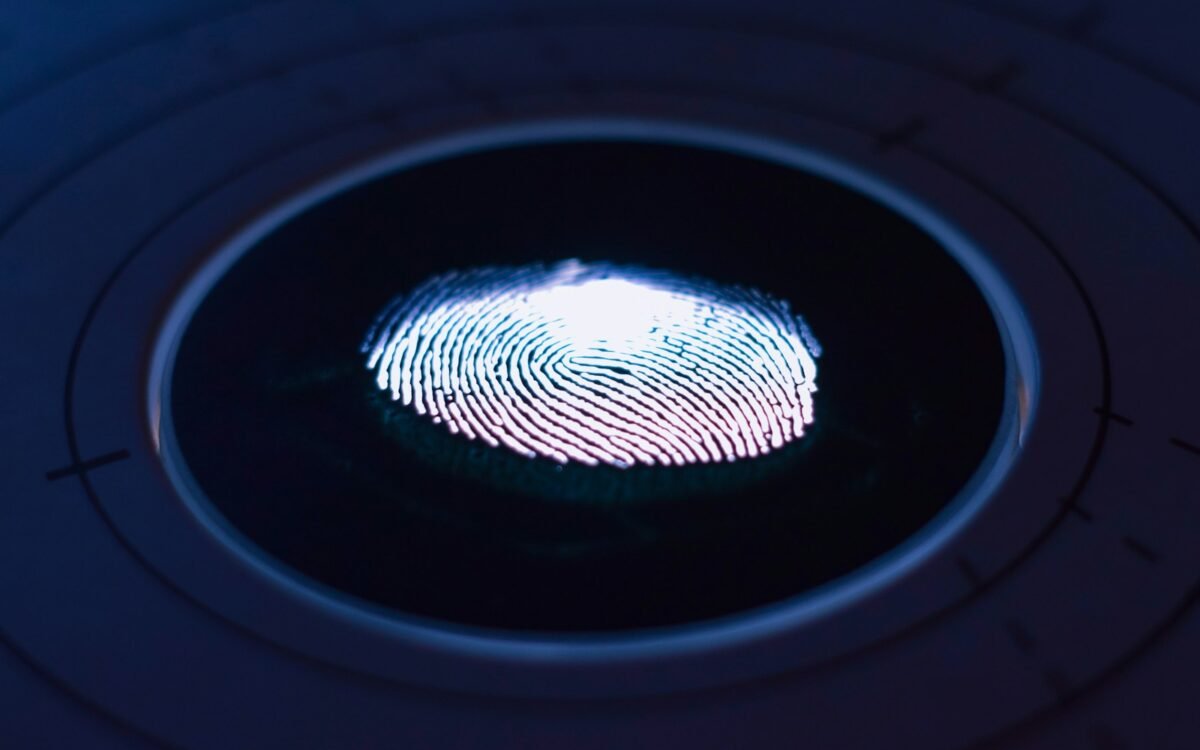
With a password, the user knows a secret and presents it to the service. With a passkey, the user usually unlocks an authenticator using a fingerprint, face check, device PIN or password-manager action. The biometric check is typically performed by the device; the service receives a cryptographic proof rather than a copy of the person's face or fingerprint.
This can make sign-in feel simpler, but the underlying idea is more important than the gesture. The service is checking that a registered authenticator can answer its challenge. A password database full of reusable secrets is no longer the only foundation for account access. The service still needs to protect its account records and recovery paths, but one common class of password theft becomes less useful.
Passkeys are generally associated with standards that allow credentials to work across websites and operating systems. The exact user experience depends on the service, browser, device and chosen authenticator. A button labelled "passkey" may lead to a nearby phone, a built-in device credential or a password manager, so people should understand which device or manager is holding the credential.
Phishing becomes harder, not impossible
A passkey is bound to the website or service for which it was created. A lookalike domain should not receive a valid response for the real domain in the way that a person might type a password into it. This removes a major opportunity for an attacker who relies on urgency and imitation.
Other attacks remain. An attacker may take over an email account, persuade a person to approve a suspicious device, steal an unlocked device or exploit a service's account-recovery process. Malware on a compromised device can also create problems. Passkeys reduce the value of copied passwords; they do not remove the need for device updates, careful approval and strong recovery.
People should be wary of approving a sign-in they did not start. They should review the list of registered devices and managers, remove old entries and protect the account used to recover or synchronise credentials. The security model is strongest when the authenticator inventory is understandable.
Recovery is part of the product
A password can be reset from almost anywhere, which is both convenient and risky. Passkeys make access more dependent on the availability of an approved authenticator. That is a benefit when it blocks an impostor, but it can become a problem after a lost phone, damaged computer or forgotten manager account.
Services need recovery methods that are strong enough not to undo the protection passkeys provide. A weak recovery link, support process or fallback password can become the easiest route around the new credential. Users should set up more than one legitimate way to regain access when the service supports it, while avoiding a collection of unprotected backup codes or screenshots.
Synchronisation can make credentials available across a person's devices, but it introduces trust in the provider and the account protecting the synchronised vault. A hardware security key may suit someone who wants a separate authenticator. Neither choice is universally best. The right option depends on how many devices a person uses and how much independence they need from a particular platform.
Adoption will be gradual
Passkeys work only when a service supports them well and explains what happens when a person changes devices. Organisations must design enrolment, sign-in, account recovery and support as one journey. If a user is encouraged to create a passkey but cannot understand how to use it on a shared computer, frustration will send them back to weaker habits.
People should still use unique passwords for services that do not support passkeys, preferably with a reputable password manager and multi-factor protection. A passkey is not a reason to disable every other safeguard or to assume that a service has solved account security. It is a strong improvement for the sign-in paths where it is correctly implemented.
Passkeys do not ask people to remember a better secret; they reduce the number of secrets that can be stolen in the first place.
The everyday change is modest but meaningful: fewer password resets, fewer reusable secrets and a sign-in that is harder to redirect to a fake site. The remaining work is to make devices, recovery and account controls clear enough for people to trust the new habit.
Key takeaways
- Passkeys replace many password moments with cryptographic sign-in tied to an approved device or password manager.
- Local processing can reduce phishing exposure but does not make recovery or device security automatic.
- Judge passkey support by recovery controls, update life and the devices you actually use.