What Smart Home Design Looks Like in 2026
Smart home design in 2026 is less about filling rooms with gadgets and more about making everyday routines quieter, clearer and easier to control. Plan around people, privacy, maintenance and graceful failure before choosing devices.

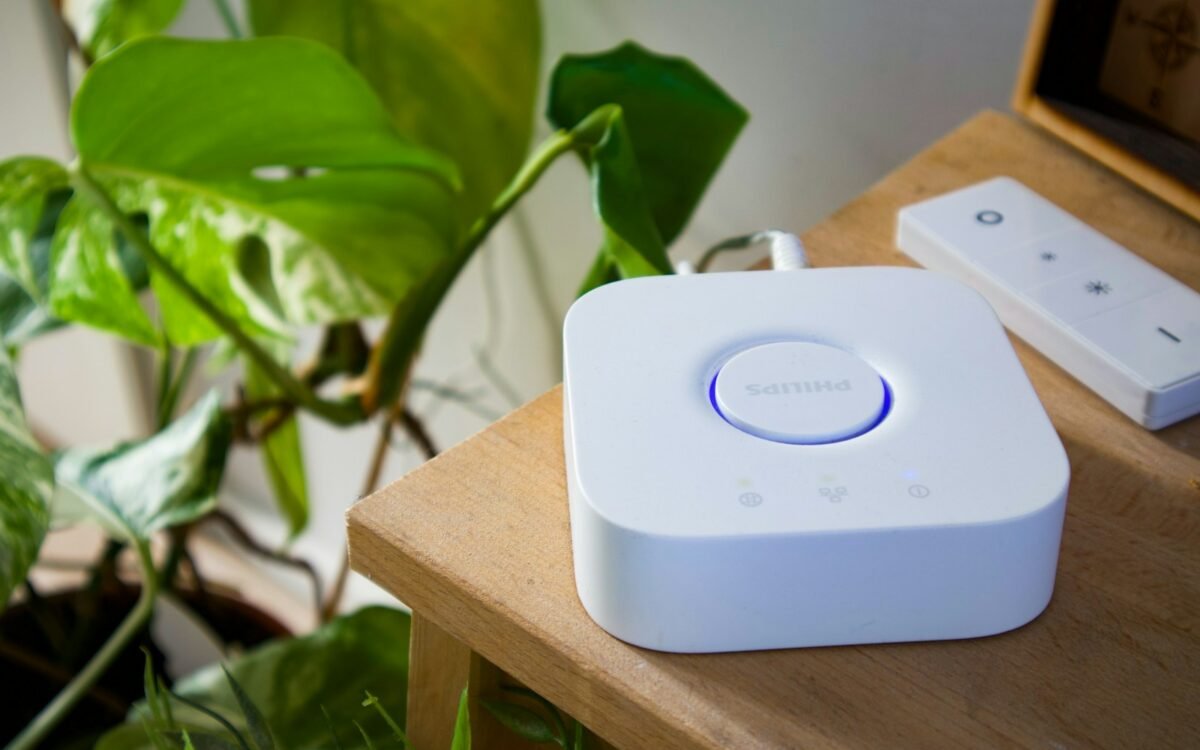
The hallway light comes on before you reach the switch, the heating has not been running in an empty room, and the music stops when the doorbell rings. Those moments are useful because they remove a small decision without demanding attention. A well-designed smart home should feel like a considerate layer over the rooms you already use, not a second job involving apps, passwords and troubleshooting.
In 2026, the strongest approach is to begin with routines rather than shopping lists. Ask what regularly causes friction: lights left on, rooms that overheat, difficult-to-reach blinds, a door that needs checking, or a household that cannot agree on one control method. Then design a simple response that still works when the internet is slow, a battery is flat or one person does not want to use a phone.
Smart home design is successful when the technology becomes easier to live with than the problem it replaces.
Start with the household routine
Walk through a normal day and write down transitions rather than devices. Waking, leaving, arriving, cooking, settling down and going to bed are useful starting points. At each transition, note what people currently do and what they would like to happen. The answer may be a sensor, a timer, a better-placed switch, a draught-proofing job or no technology at all.
Separate convenience from control. Turning a lamp on from the sofa is convenient; being able to choose what happens when the network fails is control. A routine that turns every light off when the last person leaves may save a step, but it should include an easy override for someone working late or using the garden. Automation needs exceptions because real households are not predictable diagrams.
Use the smallest useful rule. One button that turns off selected lights and lowers the blinds may be clearer than a scene that changes music, temperature, colour and security settings at once. Name rooms and actions in ordinary language. If a visitor, child or older relative cannot tell how to turn on a light, the system has created dependence rather than comfort.
Plan for different users from the beginning. Some people prefer voice control, others prefer a physical switch, and some will want neither. Keep a manual control for essential lights, heating and access. A smart feature should add an option, not remove the obvious one.
Make technology visible in the right places
Good placement matters more than a high device count. Put switches where a hand naturally looks for them, sensors where furniture will not block their view, and screens where they can be read without becoming the room’s visual focus. A discreet control panel near the entrance can be more useful than several branded remotes that live in different rooms.
Think about the information a device displays. A large bright screen may be useful in a utility area but distracting in a bedroom. A small indicator light can become irritating at night. Choose settings that reduce glare and notification noise, and avoid placing microphones or cameras in private spaces unless there is a clear, understood reason for them.
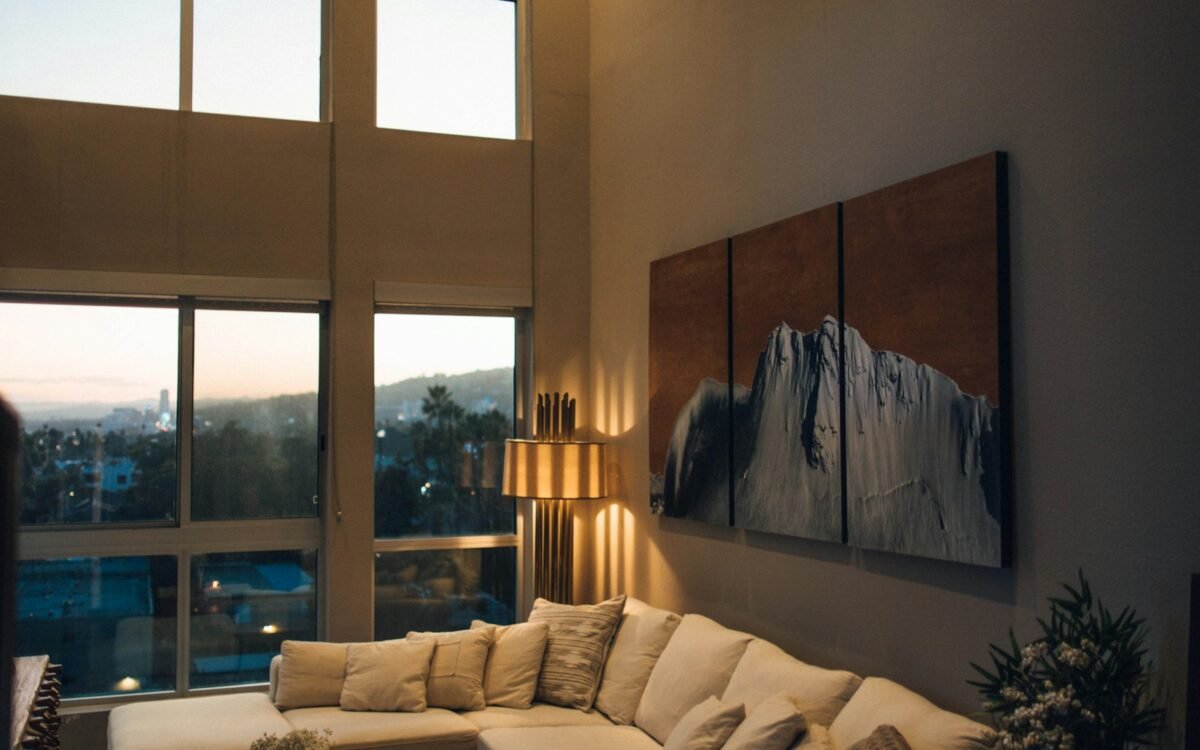
Lighting deserves a layered plan. Use ordinary general lighting for safe movement, task lighting where work happens and optional accent lighting for atmosphere. Smart dimming is helpful when it preserves the physical ability to switch and adjust brightness. Set scenes from the room’s actual use, such as cooking, reading or cleaning, rather than from a collection of colours that look impressive only in a demonstration.
Keep equipment accessible for maintenance. Do not seal a hub behind permanent joinery, bury a power supply behind a tiled wall or position a sensor where changing its battery means moving a wardrobe. Photograph cable routes and label the essentials. The best installation is one another person can understand later.
Design for privacy and graceful failure
Before buying a connected product, identify what it can hear, see, record or share. Read the maker’s privacy information, check whether recording can be disabled and decide who needs account access. Use strong, unique passwords and available security updates, but do not assume every member of the household wants the same level of monitoring.
Keep sensitive functions separate where practical. A door sensor does not need access to a bedroom camera, and a lighting routine does not need a detailed record of everyone’s movements. Review old accounts and remove devices that have been given away or replaced. A simple inventory of products, apps and account owners makes this work less mysterious.
Test the home without its preferred connection. Can the front door still be opened safely? Can the heating be adjusted? Can someone find the bathroom at night? Keep essential controls local and provide a clear fallback for power cuts, dead batteries and a failed router. If a device is safety-critical, follow its installation instructions and use a qualified professional where electrical or building work is involved.
Avoid building the whole home around one untested platform. Before expanding, live with one room for a few weeks. Notice false triggers, confusing names, missed routines and the amount of maintenance required. A smaller system that remains understandable is more resilient than a larger one that no one trusts.
Make the rooms better, not busier
Technology should support the architecture. Use blinds to manage glare, heating controls to support the way rooms are occupied, and sensors only where they solve a repeated problem. Improve insulation, daylight, storage and acoustics first when they are the real source of discomfort. No app can make a badly positioned desk comfortable or a noisy extractor quiet.
Hide visual clutter without hiding service access. A charging drawer, a ventilated cabinet or a dedicated shelf can keep equipment orderly. Leave air around devices that produce heat, keep cables away from wet areas and avoid overloading sockets. For fixed electrical work, use an appropriately qualified installer and follow the requirements that apply to the property.
Review the system whenever the household changes. A new baby, a home office, a lodger, a pet or a change in mobility can make an old routine unsuitable. Delete automations that no longer help, rename controls that cause hesitation and document the few settings that matter. Smart design is an ongoing edit, not a one-day installation.
Start with a real household problem, keep manual control, protect privacy and make failure ordinary rather than catastrophic. The smartest home in 2026 may be the one that gives people fewer things to manage.
Key takeaways
- Design around recurring household routines, with simple rules and manual overrides.
- Place controls, sensors and equipment for visibility, accessibility and straightforward maintenance.
- Protect privacy and essential functions by planning permissions, updates and offline fallbacks.